


Key takeaways
- Rules-based pricing calculates sell prices from cost data and business rules, so supplier price changes flow through automatically.
- Most B2B pricing comes down to a handful of patterns: mark-ups, quantity breaks, option and add-on pricing, and rounding.
- Rules should be scoped by supplier, brand or category, with clear priorities when more than one applies.
- Test rules on a sample before applying them to the full catalogue, and keep a record of what changed.
In a small catalogue, setting prices by hand is manageable. In a B2B catalogue with thousands of products, multiple suppliers, quantity breaks and configurable options, manual pricing becomes a full-time job that still produces errors.
Rules-based pricing flips the approach. Instead of storing a final price for every product, you store the inputs (usually supplier cost) and the rules that turn cost into a sell price. When a supplier updates their costs, prices recalculate automatically.
The core pricing patterns
Most B2B pricing strategies are combinations of a few building blocks.
Mark-ups and margins
The foundation: a percentage or fixed amount added to cost. Mark-ups are often set per supplier, brand or category, because margin expectations differ across ranges.
Quantity breaks
B2B buyers expect lower unit prices at higher volumes. Rules can generate price tiers automatically from cost, such as a smaller mark-up at 250 units than at 25.
| Quantity | Unit cost | Mark-up | Sell price |
|---|---|---|---|
| 25+ | $4.00 | 60% | $6.40 |
| 100+ | $3.60 | 55% | $5.58 |
| 250+ | $3.30 | 50% | $4.95 |
| 500+ | $3.10 | 45% | $4.50 |
Option and add-on pricing
Configurable products carry their own pricing: a premium material, an extra print colour, a setup fee or express production. These need to price correctly in combination, which is where spreadsheets usually fall apart.
Rounding and price endings
Calculated prices produce awkward numbers. Rounding rules tidy them into consistent price points, such as rounding to the nearest five cents or ending in .95.
Scoping rules and setting priorities
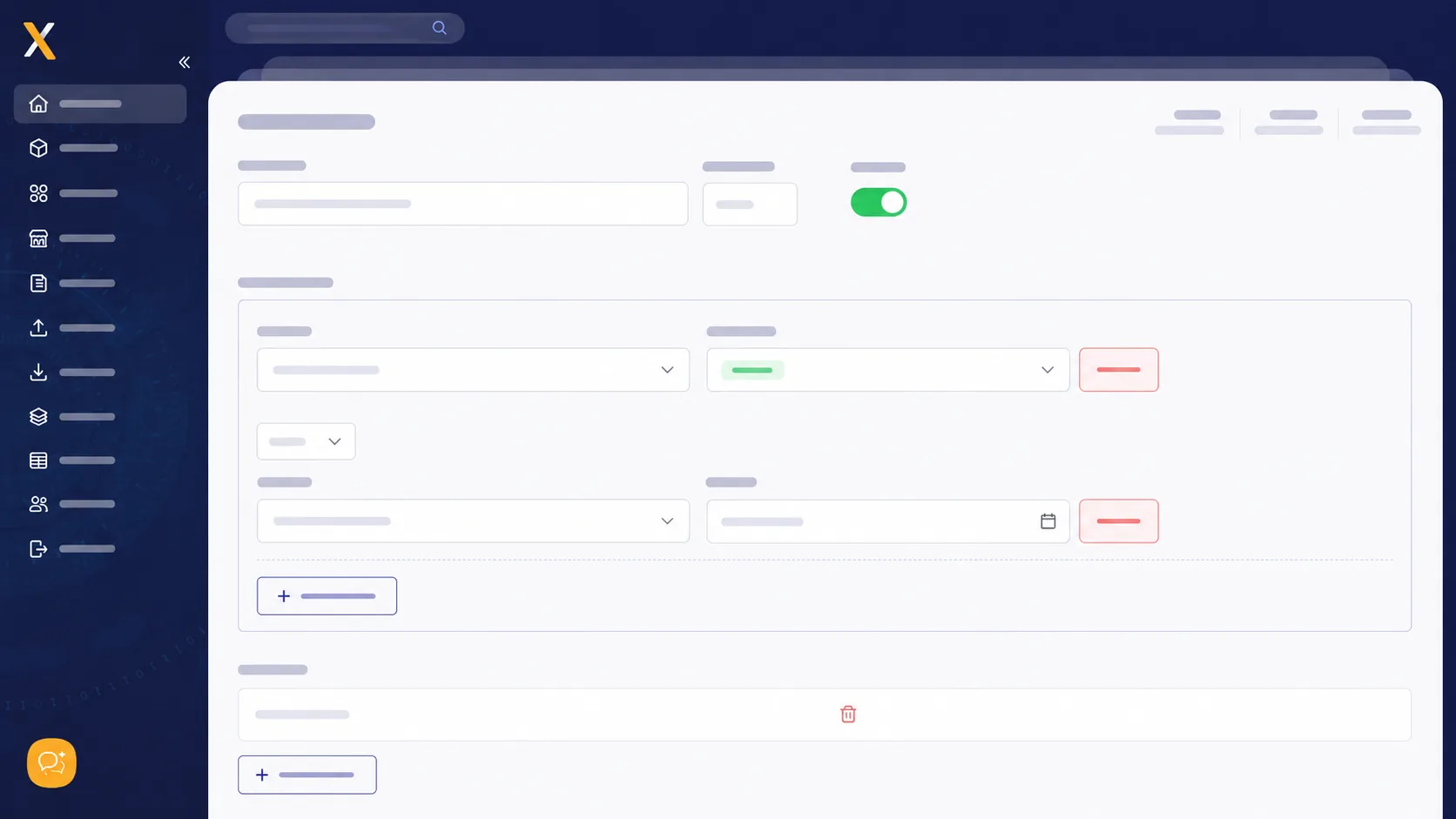
A rule is only as good as its scope. Every rule should answer two questions: which products does it apply to, and what happens when another rule also applies?
- Scope by attribute. Apply rules to a supplier, brand, category, tag or any custom attribute.
- Go from general to specific. A catalogue-wide default mark-up, then category rules, then supplier or product exceptions.
- Make priority explicit. When two rules match, the more specific one should win, and it should be obvious why.
- Avoid hidden overrides. Manual prices that bypass rules should be flagged, so they don't silently go stale.
Rolling out rules safely
- Document your current pricing logic, including the exceptions people apply from memory.
- Build rules for one supplier or category first, and compare results against current prices.
- Review the outliers. Big differences usually reveal either a rule error or a pricing mistake you didn't know about.
- Expand gradually across the catalogue, keeping a record of what each rule changed.
- Schedule reviews, because margins, suppliers and market conditions change.
Pricing that keeps up with your suppliers
The real benefit of rules-based pricing is speed. A supplier price file that used to take days to work through updates the whole catalogue in minutes, with consistent margins and no copy-paste errors. Xada's advanced pricing and rules automation support mark-ups, quantity breaks, option and variant pricing, and parent-child option pricing. Book a demo to see it on your own catalogue.
Frequently asked questions
What is rules-based pricing?
Rules-based pricing calculates sell prices automatically from inputs such as supplier cost, using rules like mark-ups, quantity breaks and rounding. When inputs change, prices recalculate without manual editing.
Can different suppliers have different mark-ups?
Yes. Rules can be scoped by supplier, brand, category or any custom attribute, so each range can carry the margin that suits it.
How are quantity breaks calculated?
Quantity breaks are typically calculated by applying a different mark-up or discount at each volume tier, using the supplier's tiered cost where available.